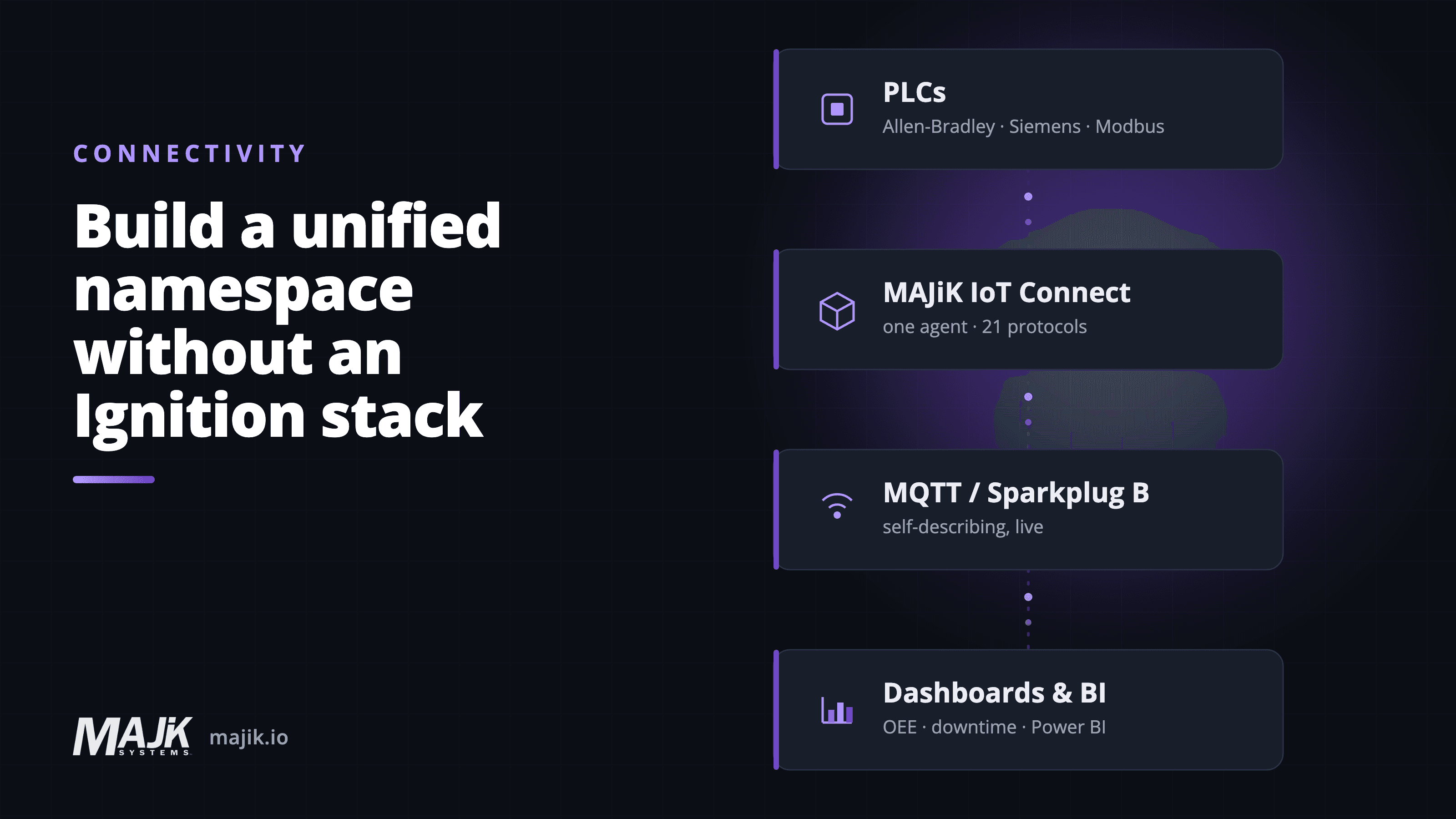
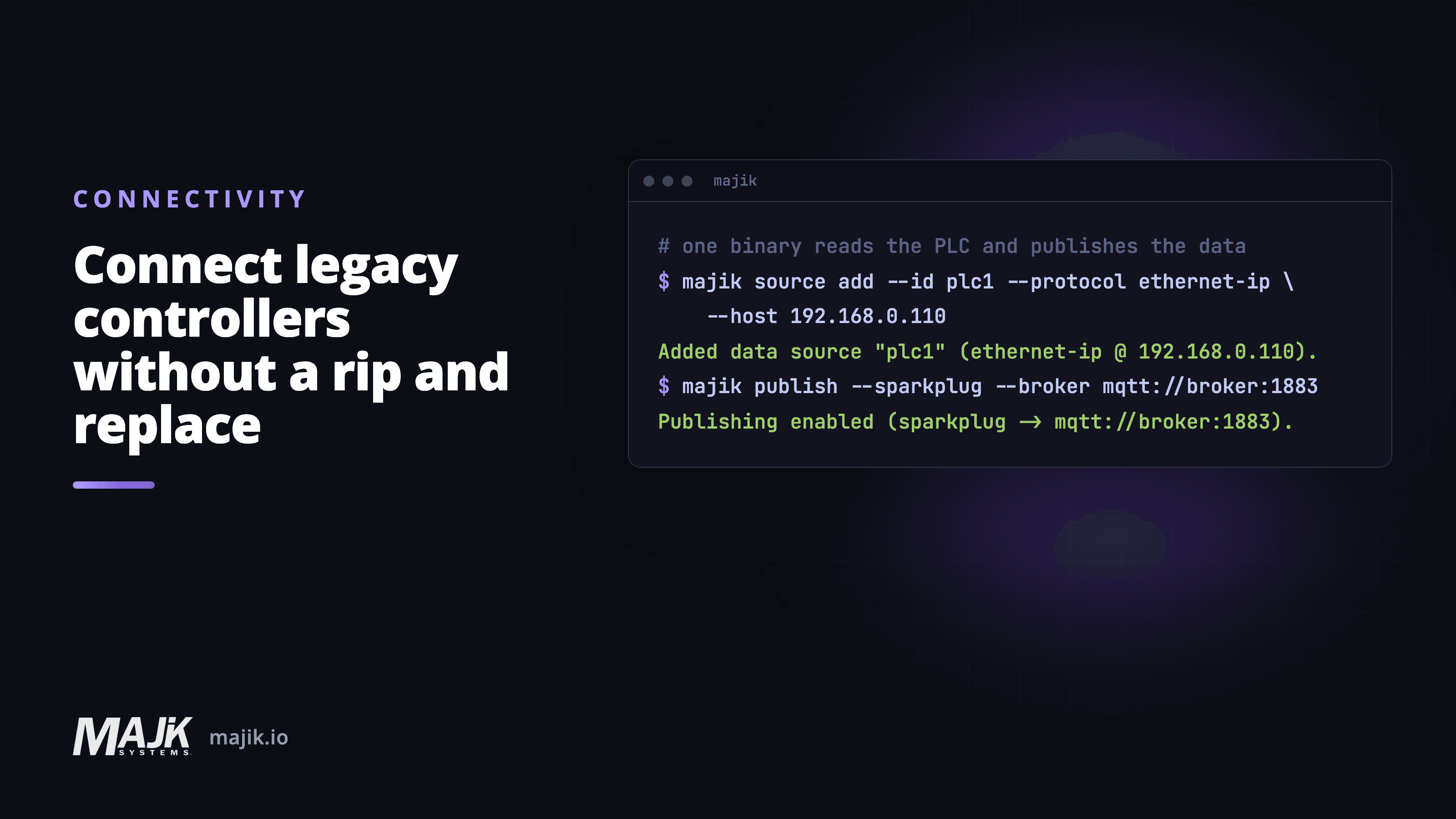
Connecting legacy controllers without a rip-and-replace
The most common reason teams give for not measuring a line is the age of the equipment on it. A controller from the 1990s, a scale that only speaks serial, a press with no network port at all. The assumption is that getting real data means replacing the line, with the cost, downtime, and disruption that brings. It does not, and waiting for a replacement keeps your busiest machines off every report, so the numbers you do report cover only your newest lines.
Getting there is a matter of listening, not rebuilding. You need something that speaks the protocol the machine already speaks, reads what is already there, and stays completely out of the control path.
Can MAJiK IoT Connect change how the machine runs?
The first question a controls engineer asks about any monitoring tool is whether it can change how the machine runs. With MAJiK IoT Connect the answer is no. It is an agent, one piece of software on one host on the factory network, and it reads tags from the controller without writing to it, so bringing a line online cannot alter a recipe, trip an interlock, or change machine behavior on the shop floor.
Which protocols do older controllers already speak?
Most controllers already expose their state over a standard industrial protocol. The job is to meet each one where it is rather than force a single standard onto a mixed shop floor. In practice that means collecting from modern PLCs and older controllers side by side and putting data from different machines into a consistent format so the dashboard does not care what brand or vintage produced the tag.
- Ethernet-capable PLCs over their native industrial protocol.
- Older controllers reachable through their existing programming or communications port.
- Serial devices and instruments that only speak ASCII over RS-232 or RS-485.
- Middleware and historians that already hold data worth surfacing in real time.
What about serial scales and weight indicators?
Scales, weight indicators, and single-purpose instruments often speak nothing but serial ASCII. MAJiK reads those indicator protocols over the network, whether from a scale with built-in Ethernet or through a serial-to-Ethernet device server, with profiles for the common indicator brands. That bridge is an inexpensive device that installs without disrupting the line, not a capital project. From there the reading joins modern PLC data in the same view.
Can one agent read several machines at once?
Yes, and that is usually the point. IoT Connect holds a list of data sources rather than a single connection, each with its own protocol, endpoint and scan rate, and reads them concurrently. A line with an Allen-Bradley PLC, an older controller on a different protocol, and a serial scale behind a device server is three data sources on one agent, not three installations.
That is what keeps the host count down. One host per factory network, reading the mixed shop floor in front of it, rather than software to install and patch on every machine.
How do you find out what a machine can expose?
It depends on the protocol. Most of the 21 protocols MAJiK IoT Connect reads can be browsed, including EtherNet/IP, OPC UA, S7, BACnet, Beckhoff ADS and Fanuc FOCAS. On those, IoT Connect asks the controller what it holds and returns the tags that are actually there, so the conversation starts from a real inventory rather than a guess.
That matters because the useful tags are rarely the obvious ones. A run state might be a single bit inside a status word, and a good count might be a register nobody labeled. Reading the list with someone who knows the line is usually a short conversation, and it replaces weeks of guessing.
Modbus cannot be browsed, and neither can PCCC, the protocol older Allen-Bradley controllers such as the SLC 500 and PLC-5 speak. There is no tag namespace to enumerate, only numbered registers, so there you need the register or address map from whoever programmed the machine. That tends to be the older equipment, which is the awkward part: the machines where a tag list would help most are the least likely to hand you one.
Before anyone promises a tag list, ask two questions about each machine:
- Can IoT Connect list its data points over the connection the machine already has, the Ethernet or serial port its operator screen or programming laptop reads from?
- If not, who has the tag list, register map, or other documentation needed to read them?
The answer depends on the machine as well as its protocol. Even when a protocol supports browsing, a particular controller may not expose the data you need. And if a machine has no controller or usable signal to read, it may need a sensor or counter instead.
When the answer is documentation, it usually exists somewhere on site already. Look here before going back to the integrator:
- The controller's program backup, from the maintenance team or whoever last changed the logic. It lists every address, often with a comment saying what each one holds.
- The project file for the operator's screen. Every number on the screen is read from an address, so its tag list is already a map of the values the operators watch.
- The machine builder's manual and electrical drawings, which often include a register table for the machine's network port.
- The integrator who programmed the machine, when none of those turns up.
What if a machine has no data source?
It happens, and it is much better to find out in week one. A relay-logic press with no controller and no sensors has nothing to expose, and no software can invent it. What it needs there is a small amount of hardware: a sensor on the ram, or a counter on the output, feeding a nearby controller or device input/output server.
That is a different conversation from a rip and replace, and a far cheaper one, but it should be named rather than discovered.
Before you sign, ask any vendor:
- Which of our machines have no existing data source the system can read?
- What sensor or counter would each of those machines need?
- Who will supply and install that hardware, and will installation require downtime?
What does the network side actually require?
IoT Connect sends data to the destination your team chooses, so the only path to confirm with IT is that outbound one. It runs on one host per factory network rather than on every machine. There are no inbound firewall rules to open toward the shop floor, which removes the objection that most often stalls the approval.
Projects like this are rarely stopped by the controls side. They stall when data leaving the factory turns out to need a firewall change nobody had scoped.
For the first technical call:
- Bring your IT team into the room.
- Confirm the outbound path to the broker, and that nothing needs to open inbound.
Why map each tag only once?
The work that pays off is the mapping, not the dashboard. Each tag is identified once, given a meaning the business understands, and then reused across the live view, the downtime record, the alerts, and the AI assistant. Adding a new chart later costs minutes, because the hard part was finished the moment the tag was mapped.
The age of the equipment was never the blocker. A controller that predates the network it now sits on is still counting and still holding its state, and reading it is a conversation with your own shop floor rather than a capital request.
See what one agent reads on a mixed shop floor in MAJiK IoT Connect.
Frequently asked questions
Can older PLCs really stream live data?
- Yes. Most controllers already expose their state over a standard industrial protocol, so the job is to read what is already there rather than to replace anything.
Does connecting a line change how the machine runs?
- No. MAJiK IoT Connect reads tags from the controller and does not write to it, so it cannot alter a recipe or trip an interlock.
What about a machine with no network port?
- Serial devices and instruments that speak only ASCII come in through a serial-to-Ethernet device server, or from a scale with built-in Ethernet. From there the reading joins PLC data in the same view.
Do I need proprietary hardware on every machine?
- No. IoT Connect runs on one host per network and reads the controllers over their own protocols.
How do I know which tags matter?
- On the protocols that support browsing, such as EtherNet/IP, OPC UA and S7, MAJiK IoT Connect lists the tags already present in the controller. On Modbus and PCCC there is no tag namespace to browse, so you work from the register map instead.
Related: connect and capture machine data, move machine data to the cloud straight from the PLC, and build a unified namespace without Ignition.