Build a Unified Namespace without an Ignition or Kepware stack
Picture five tools on one line: the OEE dashboard, the historian, a quality app, the maintenance system and the SCADA screen. Each polls the same PLC on its own schedule, and each calls the same counter by a different name. The data is not missing. It is trapped: each PLC speaks its own protocol, and each system keeps its own connection to it. So two of them bring different good counts to the morning meeting, and the first ten minutes are spent deciding which one to believe.
A unified namespace fixes that. Instead of point-to-point connections between every machine and every application, each machine publishes its data once, organized the way your equipment is actually laid out, and every system reads from that same live stream.
The catch, as every guide will tell you, is the stack it seems to require: an Ignition gateway, a separate broker, and often a Kepware server on a Windows box for the drivers. That is a real project before you have moved a tag.
What actually makes a namespace unified?
Not the stack, and not even the broker, which is the common misunderstanding. Any MQTT broker will move your messages. What makes the namespace unified is that every tag is named the same way, according to a model of your factory that the whole business recognizes: site, area, line, machine, and then the measurement.
A good count on press 4 ends up with a name like Site1/Molding/Line2/Press4/GoodCount, which anyone can read without opening the PLC program.
That naming is the work, and it is the part no product does for you.
A broker holding three thousand topics named after PLC registers, N7:0/14 and the like, is not a unified namespace. It is the same mess with a message bus in front of it.
Settle these once, and write them down:
- The levels: site, area, line, machine, and the deepest one you will name.
- What each machine is named, when the factory and the ERP disagree.
- The names of the measurements every machine has in common.
- Who approves a new name, so the convention survives the third line.
Should the namespace be Sparkplug B?
This is where most guides, ours included until recently, took a shortcut. Naming and session state are two different jobs:
- Naming. Give every value an address the business recognizes, so anyone can tell where a number came from without opening the PLC program.
- Session state. Tell subscribers what data is available, and flag when the source connects or becomes unreachable.
Sparkplug B does the second job well. It was never shaped for the first, and its topic structure is why.
The layout is fixed by the specification: spBv1.0/group_id/message_type/edge_node_id/device_id. Three of those are yours to name, and only two can hold a place in your factory: the group and the device, which is the machine. The group is broad, often a whole site, because one publisher can serve a whole factory. The edge node names that publisher, the software reading the PLCs. A slash is not allowed inside any of them.
So a five-level factory model has nowhere to go. In Site1/Molding/Line2/Cell3/Press4, the area, the line and the cell are missing from the topic altogether. They get packed into a device name or kept somewhere else, and every consumer has to know where, which is the work a namespace was supposed to remove.
There is a second limit. A subscriber cannot ask for one measurement. Every metric for a device arrives in the same message, so a consumer that only wants a temperature parses all of them.
Where it earns its place is that session model. The birth message declares every metric a node will publish, the death certificate tells subscribers the moment it drops off, and sequence numbers let a consumer notice a gap. That is worth having on the link between the publisher and the broker.
None of that is a fault in Sparkplug. The specification never claimed to be a namespace, and it does not contain the phrase unified namespace at all.
So publish both from one tag mapping. The namespace goes out as plain MQTT topics named the way your business is organized, each message holding the value, the timestamp, a quality flag and the unit. Sparkplug goes to the systems that want its session model. One agent, one set of names, two outputs, and no translator in between republishing one into the other.
Do you need Ignition or Kepware to get the data layer?
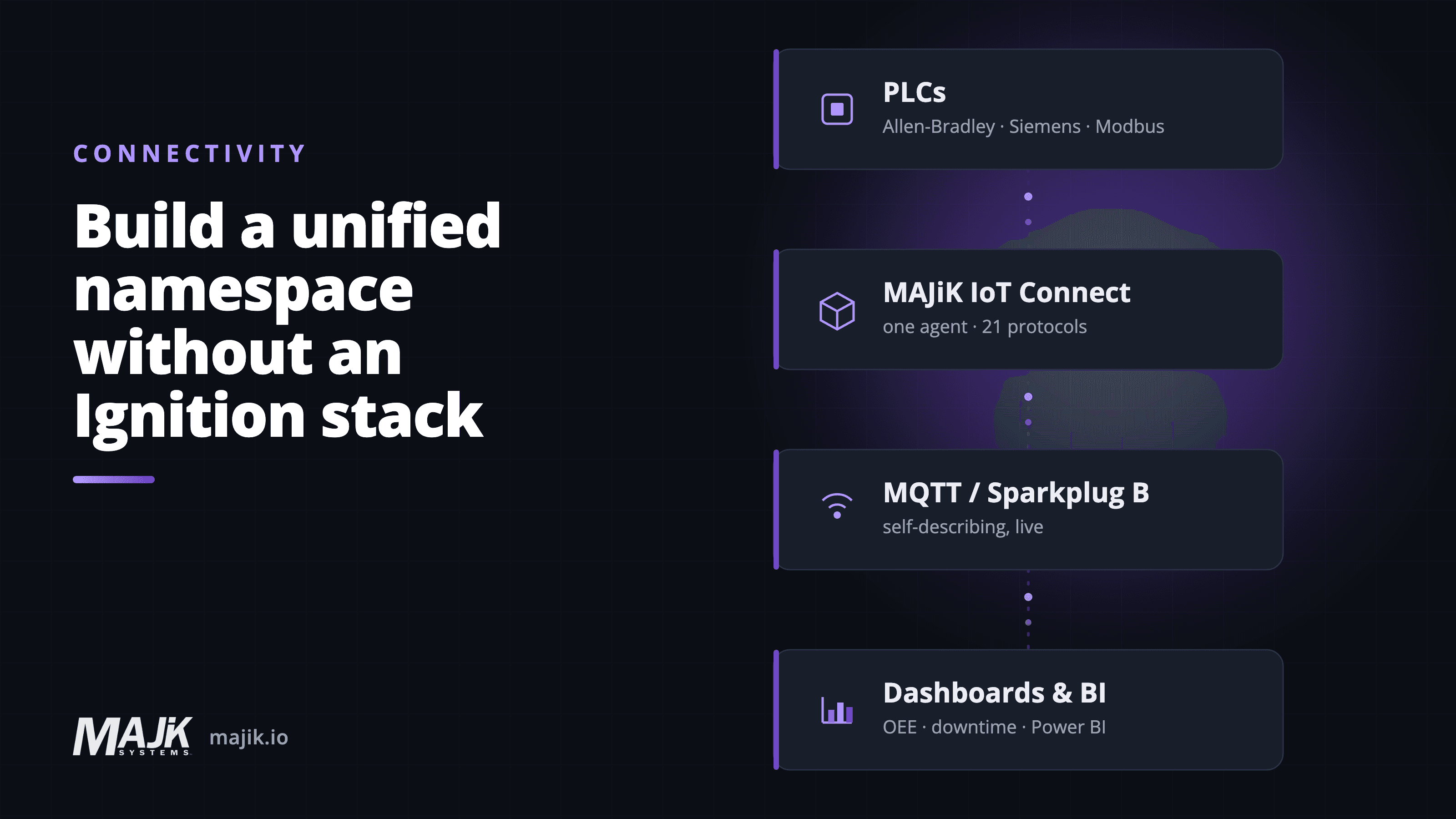
No. MAJiK IoT Connect is a single edge agent, with no separate gateway server to run beside it. It reads your PLCs natively across 21 protocols, brand-agnostic, and publishes their data straight to the broker. That published stream, organized by your equipment model, is the unified namespace.
Something still has to sit between the controllers and the broker. The question is how many moving parts that something is. Here it is one agent, and it is the only new thing you run:
- The drivers come with it. A dedicated driver server ships more drivers than IoT Connect does, and if you need one of those you need it. The difference is where the 21 protocols live: inside the thing already reading your PLCs, rather than in a separate OPC server product with its own box to run.
- The broker comes with it, too. Where the stream can land, including a broker you already run, is covered further down.
Whatever you already run for supervisory control stays where it is. It stops being the path machine data has to take to reach the rest of the business, which is a smaller change than replacing it and a much easier one to get approved.
IoT Connect reads PLCs, it does not write to them, so putting it on the network changes nothing about how your machines run.
What does the data layer look like once it is live?
Every machine publishes once. The topic structure follows your equipment, from site to area to line to machine, so a new subscriber knows where a value comes from by reading its name. Each message holds the value, the time it was read, a quality flag and the engineering unit, so a consumer knows what it is reading without a separate mapping document.
From there, your OEE and downtime monitoring, your historian, your BI stack in Power BI or Microsoft Fabric, and any AI you layer on later all read the same live source. The same value under the same name in every system, updated as the machine changes, instead of five polling loops that disagree.
Do you still need a broker?
Not one you have to go out and buy, and it is not a choice you make once. MAJiK IoT Connect embeds its own MQTT broker, so a single line can publish and be read with no extra infrastructure, and it can publish to more than one place at the same time. Every connection it makes to a broker is outbound, so there are no inbound firewall rules to open.
Three places the stream can land, concurrently:
- The broker built into IoT Connect, for a line that just needs to publish and be read.
- MAJiK's cloud broker, which is what MAJiK Visual Factory ingests from.
- A broker you already run, bridged at the same time, so your historian and BI read the live stream directly.
Wherever it lands, the namespace is the same, which is the point of the pattern. The naming is not coupled to whichever broker moves it or to whoever is publishing, so you can add one later or change one out without rebuilding the model.
What about the SCADA and historian you already run?
They stay. A unified namespace does not replace the systems that already work, and proposing that it does will lose you the controls team on day one. SCADA keeps doing supervisory control. The historian keeps its history.
What changes is that they become subscribers alongside everything else, rather than the only place the data exists. That is what makes the next request more affordable: when someone asks for machine data in Power BI or Microsoft Fabric, nobody has to build a new extraction path out of a system that was never meant to be a source.
Where should you start?
You do not rebuild the factory to get here. You put one agent on the network, point it at the PLCs you care about first, and publish those tags. The namespace grows as you add machines. Live machine data in 8 days is a realistic target for a first line.
A first line is four decisions:
- Which line, and which machines on it are worth reading first.
- Where IoT Connect runs, and who gets it onto that network.
- What the first level of the naming looks like, even roughly.
- Which system subscribes first, so the stream has a reader on day one.
A unified namespace is not a platform you buy. It is a naming convention every system agrees to read from, and one agent on one line is enough to start publishing it. Once it is running, the five tools that used to disagree about a tag all read the same name and the same value.
See what that first agent reads and publishes in MAJiK IoT Connect.
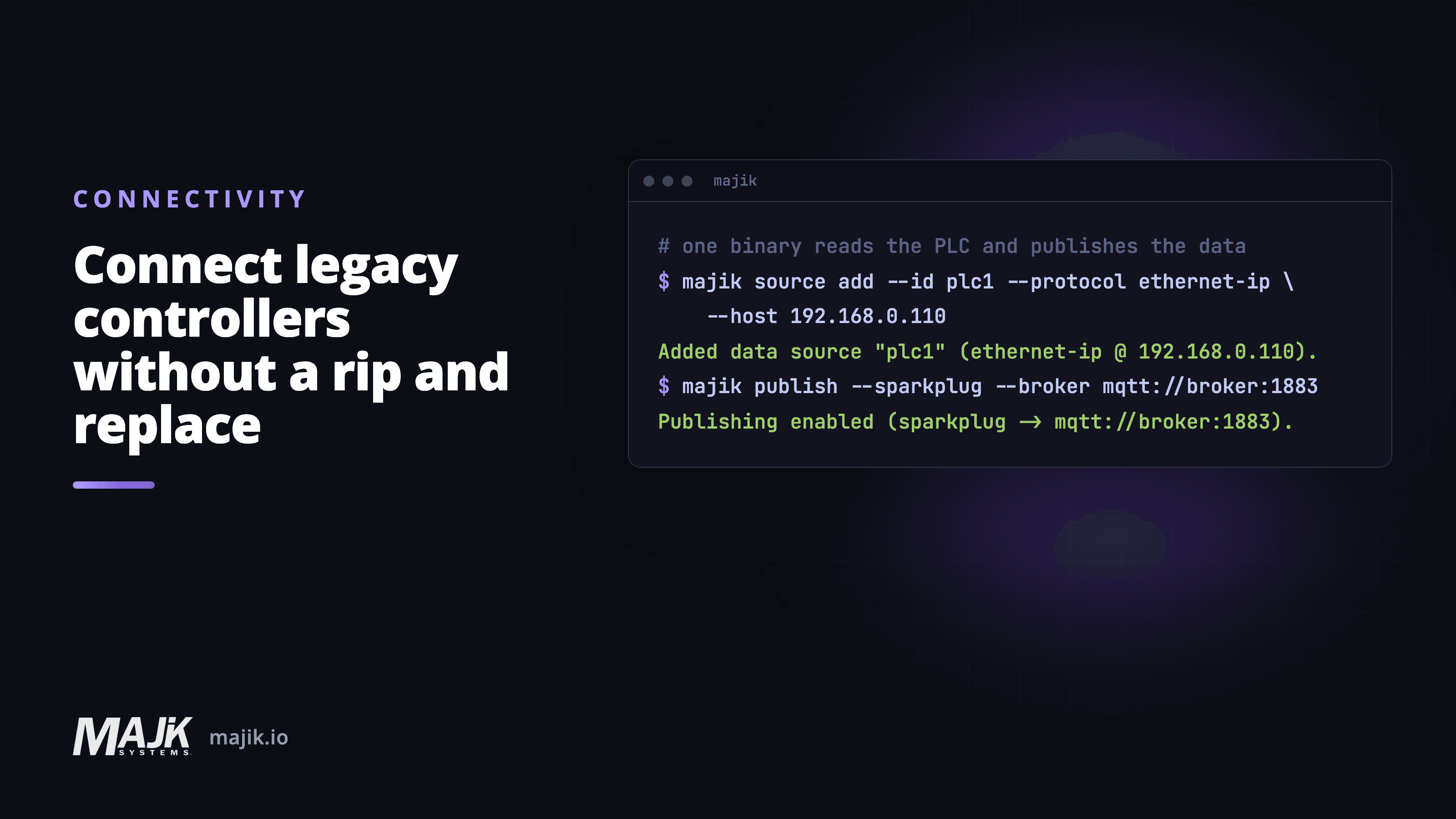
Related: how IoT Connect reads the PLC and publishes the data, and connecting legacy controllers without a rip-and-replace.
Frequently asked questions
Do I need Ignition or Kepware to build a unified namespace?
- No. A unified namespace is a pattern, not a product. You need something that reads your PLCs and publishes their data to a broker under names your business recognizes. IoT Connect does that as a single edge agent, so the Ignition gateway and the Kepware driver server are not required.
Is Sparkplug B a unified namespace?
- No. Sparkplug B is an MQTT payload and session specification, and the phrase unified namespace does not appear in it. Its topic layout leaves you three levels you control, with no slashes allowed inside them, so a site, area, line, cell and machine model does not fit. Use it for session state, and name your namespace separately.
What protocols does MAJiK IoT Connect read?
- 21 native protocols, brand-agnostic, covering the common PLC and device families on a mixed shop floor. Protocol fit for your specific equipment is worth confirming with us before you plan a rollout.
Does MAJiK IoT Connect write to my PLCs?
- No. IoT Connect reads PLC data and publishes it. It does not write to the controllers, so it does not change how your machines run.
How does it reach the broker without opening my firewall?
- IoT Connect connects outbound to the broker. There are no inbound firewall rules to open for it.
Do I need to provide my own broker?
- No. IoT Connect embeds one so a single line can publish on its own, and it publishes to MAJiK's cloud for ingestion into Visual Factory. If you already run a broker, IoT Connect can bridge to it at the same time, so your systems read the same stream.
How long until data is flowing?
- For a first line, live machine data in 8 days is a realistic target. The namespace then grows as you connect more equipment.
About the author
Kamal Aman
Co-Founder and CTO
Kamal co-founded MAJiK Systems in 2014 and is its CTO. He built the connectivity that gets live data off equipment nobody expected to talk, from current PLCs to controllers older than the network they sit on.