How to choose factory monitoring software in 2026
Every monitoring demo looks good on the easy line. Judge the software on your hardest one, the line with the older controller and the serial scale: that is the line that decides whether it scales, and finding out now is far cheaper than finding out at site four.
The hard part of factory monitoring software is not the dashboard. It is whether the thing reads your actual equipment, how long before the data is trustworthy, and whether it holds up once every line is connected. This guide is the set of questions that separate a tool your supervisors use every shift from a project that stalls in IT.
Start with who needs to be in the decision, then work through the five questions in order. The first three decide whether you get value at all. The last two decide whether the data stays yours and how far it scales. After the five, two short sections cover your own side: what it takes from your team, and what the pilot should prove. Each section ends with a short list of what to ask or check.
Who needs to be in the decision?
Monitoring software sits between operations and the factory network, so no single desk owns the decision. Operations owns the losses and the outcome. Controls owns the network and the equipment, and can reasonably veto anything that goes near the control path. IT owns how data leaves the factory, and will ask about inbound firewall rules whether or not they were invited early.
Bring all three to the first technical conversation rather than the last one. The projects that stall are usually the ones where operations bought a tool that controls had not agreed to put on the network.
Three people to have in the room:
- Whoever owns the losses and the outcome, from operations.
- Whoever owns the network and the equipment, from controls.
- Whoever will ask how data leaves the factory, from IT.
1. Does it read the equipment you already have?
Most monitoring projects stall on connectivity. If the software only works through a specific gateway, a specific PLC brand, or a rip-and-replace of your controllers, you have bought an integration project, not a monitoring tool.
Ask: does it read your PLCs natively, across brands, without proprietary hardware on every machine? Brand-agnostic protocol coverage matters more than any chart. MAJiK IoT Connect reads 21 native protocols across mixed equipment, so a shop running Allen-Bradley, Siemens, and older serial devices uses one agent rather than a separate integration for each.
A good answer sounds specific. The vendor names the protocols your controllers speak, says which of your machine types they have read before, and tells you plainly which devices will need a gateway or a serial-to-Ethernet device server, a small box that puts an older serial device on the network. If the answer is vague, or if it starts with a list of hardware to buy, expect the connectivity work to take longer than promised.
Confirm four things before you go further:
- Which of your PLC brands and vintages it reads natively, by name.
- What happens on the machines that are not Ethernet capable.
- Whether it installs on every machine, or on one host per network.
- Who does the connection work, and what your controls team has to hand over.
2. How fast do you get to trustworthy data?
A number you can't trust is worse than no number. Ask how long from kickoff to live machine data, and how the vendor makes sure a counter or a downtime reason is actually correct before anyone reports on it. Live data in 8 days on a first line is a realistic bar. Total rollout length follows scope, so the number to compare is how fast the first line goes live and how repeatable the next one is.
Trustworthy has a specific meaning here, and it is not uptime of the dashboard. It means the count on the screen matches what the factory actually made, and the downtime record matches what the crew actually experienced.
Get that wrong early and you do not get a second chance cheaply. An operator who counted the parts themselves and sees a different number on the screen has learned the system is wrong, and they will tell the rest of the shift. From then on the number is not a tool, it is something to argue with in the morning meeting. Adoption is decided in the first two weeks of data, not at the end of the rollout, so ask who checks the first week against the factory's own tally, and what happens when it does not match.
Ask the vendor:
- How many days from kickoff to live machine data on the first line.
- Who validates the counts against what the factory actually made, and when.
- How long line two takes, once line one is done.
- What happens when the first week does not match.
3. Does it classify downtime without an operator typing?
Manual reason codes are late, sparse, and biased, so the Pareto you build on Friday is wrong by Monday. What to look for is automatic classification from the machine itself. MAJiK auto-classifies 80%+ of downtime straight from the PLC, so most stops are already labeled before anyone touches a keyboard.
Manual codes fail in a predictable way. Operators record the long stops and skip the short ones, they pick the first plausible entry in the list, and the typing happens at the end of the shift when the detail has gone. The damage is not a few small reasons out of place at the bottom of the Pareto. It is the wrong reason at the top, because the short stops nobody logged never appear, and the top is where you were going to spend the money.
Automatic means the reason comes from the machine: a fault code, a state change, a starved or blocked condition read from the controller and mapped once to a reason the business recognizes.
Ask to see:
- The share of stops that arrive classified with nobody typing.
- The unclassified remainder, not only the headline number.
- Who maps a new fault code when the line changes.
4. Is the data yours, and can it leave?
Live monitoring is the start. You will want that data in your historian, in Power BI, in Microsoft Fabric, and feeding whatever AI you adopt later. Ask whether the software publishes to open formats you control (MQTT and Sparkplug B, open standards that any system can subscribe to), or whether your machine data is locked inside the vendor's cloud. Data you can move is data you own.
There is a simple exit test. Ask what you would still have if you switched vendors next year. If the answer is a CSV export on request, the data was never really yours. If your own broker already holds every tag in an open format, the data was yours all along.
Ask about getting the data out:
- Which open formats it publishes, by name.
- Whether the equipment model travels with the data, or lives only inside their interface.
- Whether your own team can read the live stream directly, without raising a ticket every time another system needs it.
- What you would still have if you switched vendors next year.
5. Can it grow from one factory to every site you run?
Buy for the line in front of you, but confirm the path. The same software should take you from one factory to the rest of your sites, with the same model rolled up so you can compare your best and worst sites on the same terms. If a second site means a second product, a migration project comes with it.
The real test is standardization. If every site names its losses differently, the rollup is a spreadsheet exercise and the comparison between your best and worst site is not a comparison at all.
Language is the other half of it once your sites cross a border. A supervisor only uses a number the crew can read, so the same definitions have to reach every site in the language that site works in. MAJiK Visual Factory is multilingual, so each team sees the same numbers in its own language rather than a head-office version someone has to translate in their head.
Ask about site two:
- Whether site two is the same product, or a separate deployment.
- What rolls up on its own, and what has to be rebuilt by hand.
- Whether one set of loss definitions can be reused across sites.
- Whether each site can use it in its own language.
What will it take from your team?
Every vendor answers "not much", so ask for the specific hours and the specific people. An honest answer names three groups. Controls or maintenance has to say what each machine exposes and get you onto the network. Operations has to agree on what the losses are called, which is a decision nobody outside the factory can make for you. Supervisors have to use the number in front of the line every shift, or the project stays a dashboard.
Controls will ask whether the software can touch the control path, and IT whether it needs inbound firewall rules. Both have short answers with MAJiK: IoT Connect reads the controllers and does not write to them, and it connects outbound only, with zero inbound firewall rules for IT to open.
Ask for specifics:
- The hours expected from controls, from operations, and from supervisors.
- Which of those the vendor does alongside your team, and which fall to your people to do.
- What happens when your controls engineer is pulled onto a breakdown for a week.
What should the pilot actually prove?
A pilot that proves the software can draw a chart has proved nothing. Design it to settle the three questions that decide the rollout: can it read the hardest machine on the line, does the count match what the factory made, and does a supervisor change a decision because of it.
Pick the awkward line rather than the easy one: the line with the older controller and the serial scale.
Scope the pilot to include:
- One line, including the machine you expect to be hardest to read.
- A named supervisor who uses the number every shift for the duration.
- A reconciliation against the factory's own counts in the first week.
- An agreed-upon definition of the top three losses before anything is reported.
- A rough size of the biggest loss the pilot exposes, in lost hours or output, so the case to scale is obvious.
What outcome should you hold out for?
The right factory monitoring software gives you the same factory, the same equipment, the same people, and 2-5% more production output, because you finally see and act on what the machines were already telling you. Hold out for the one that reads your hardest line, not only the easy one, and is live and trusted on the shop floor within weeks.
See what that looks like in Visual Factory, or compare the common options on the comparison pages.
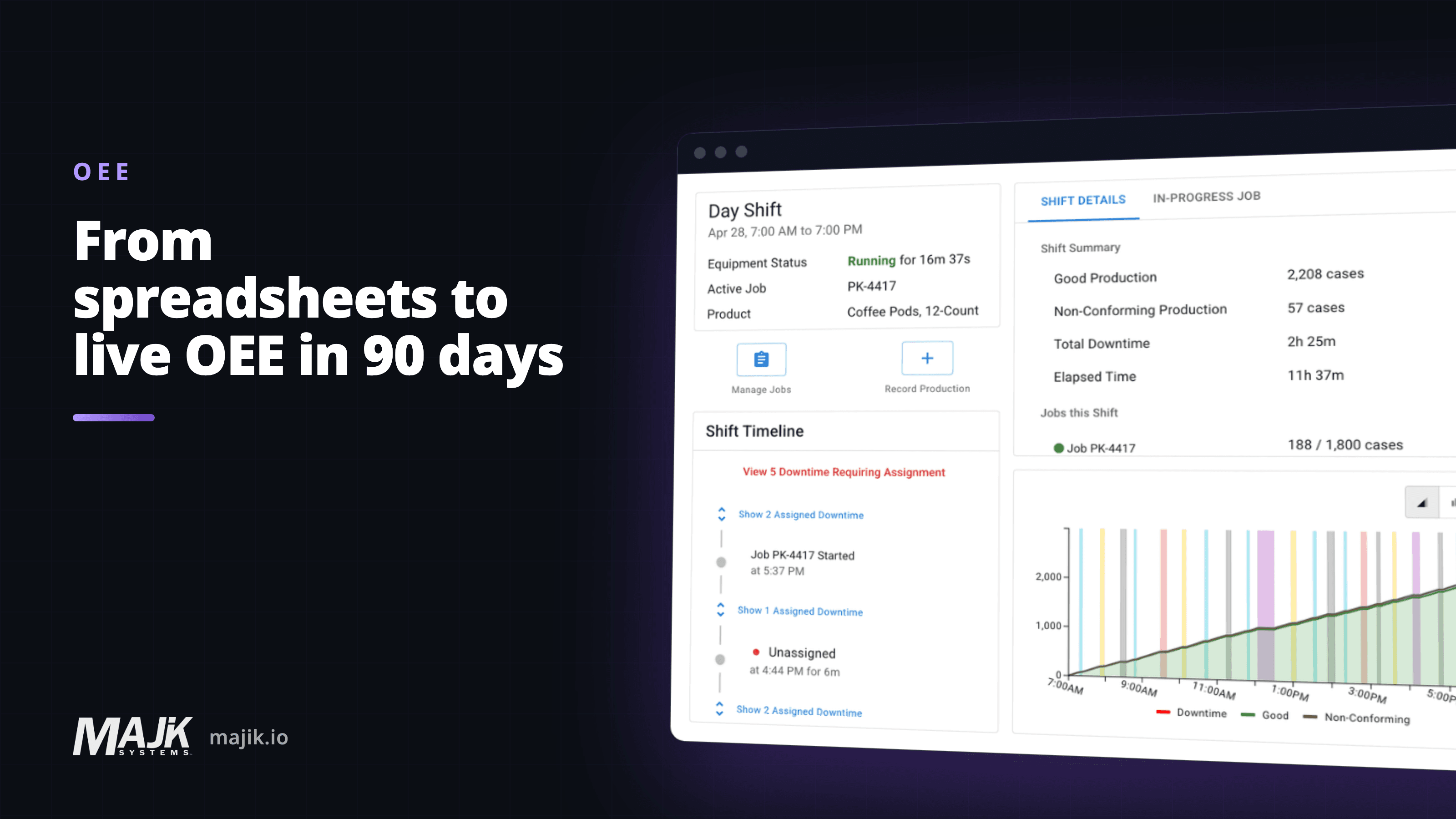
Related: MAJiK Visual Factory, and from spreadsheets to live OEE: a 90-day shop floor rollout.
Frequently asked questions
What is factory monitoring software?
- Software that reads live data from your production equipment and turns it into output, downtime, and OEE you can see and act on in real time, rather than end-of-shift spreadsheets.
What is the most important thing to evaluate?
- Connectivity. If it cannot read your existing PLCs across brands without proprietary hardware, nothing else matters, because you will not get clean data to the dashboard.
How long should a rollout take?
- For a first line, live machine data in 8 days is a realistic target. The total timeline then follows scope: how many lines, how many sites, and how you phase them. Judge a vendor on how fast the first line goes live and how repeatable the next one is.
Do I need to replace my PLCs or add gateways?
- You should not have to replace your PLCs. Look for software that reads your controllers natively, without proprietary hardware on every machine. An older or serial device may still need a small gateway or device server.
About the author
Jeff MacLeod
Key Account Manager, Enterprise
Jeff runs MAJiK's enterprise accounts and the systems analysis calls that start them, where a factory walks him through eleven machines and he works out which ones can actually be read. He has had the "our equipment is too old for this" conversation enough times to know how it usually ends.